Tải Adobe Premiere Pro và hướng dẫn cài đặt chi tiết
Adobe Premiere Pro là tiêu chuẩn vàng trong ngành công nghiệp chỉnh sửa video chuyên nghiệp, cung cấp bộ công cụ mạnh mẽ để biến các thước phim thô thành tác phẩm điện ảnh đỉnh cao. Bài viết này sẽ hướng dẫn bạn quy trình cài đặt phần mềm một cách hiệu quả, đồng thời phân tích những tính năng cốt lõi giúp tối ưu hóa quy trình làm việc cho các nhà sáng tạo nội dung.
Adobe Premiere Pro – Tổng quan về tiêu chuẩn biên tập video hiện đại
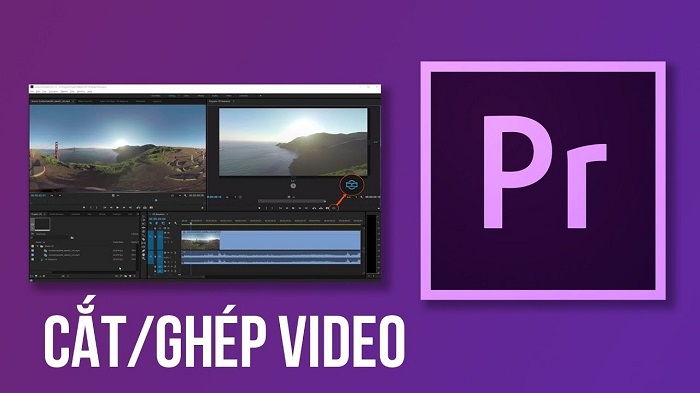
Adobe Premiere Pro là trình biên tập video phi tuyến tính (NLE) hàng đầu, được phát triển bởi Adobe Systems, hỗ trợ người dùng từ khâu cắt ghép đến xử lý hậu kỳ âm thanh và màu sắc chuyên sâu.
Được xây dựng trên nền tảng kỹ thuật số hiện đại, phần mềm edit video này cho phép các editor làm việc với nhiều định dạng tệp tin khác nhau, từ độ phân giải tiêu chuẩn đến 8K. Khả năng tương tác mượt mà giữa các ứng dụng trong hệ sinh thái Adobe như Photoshop, After Effects và Illustrator tạo ra một quy trình làm việc khép kín, tối ưu hóa thời gian sản xuất cho các dự án đa phương tiện.
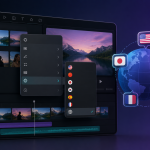
Tính năng Premiere Rush CC được tích hợp sẵn còn mở rộng khả năng linh hoạt, cho phép người dùng đồng bộ hóa dự án lên đám mây và chỉnh sửa ngay trên thiết bị di động. Đây là giải pháp lý tưởng cho những nhà sáng tạo nội dung cần cập nhật xu hướng nhanh chóng trên các nền tảng mạng xã hội mà không bị giới hạn bởi không gian làm việc truyền thống.
Những đột phá công nghệ trong Adobe Premiere Pro
Adobe Premiere Pro nổi bật nhờ quy trình chỉnh sửa phi tuyến tính vượt trội, cho phép người dùng can thiệp vào bất kỳ khung hình nào mà không làm ảnh hưởng đến tệp gốc, giúp quản lý dự án linh hoạt và sáng tạo hơn.
Quy trình biên tập chuyên nghiệp
Trong kỹ thuật dựng phim, phương pháp phi tuyến tính (Non-linear editing) là ưu điểm lớn nhất của Adobe Premiere Pro. Khác với quy trình tuyến tính truyền thống phải đi từ đầu đến cuối cuộn phim, phần mềm cho phép truy cập ngẫu nhiên vào mọi dữ liệu clip. Người dùng có thể cắt nhỏ, sắp xếp lại hoặc thêm hiệu ứng ngay trên timeline mà không làm hỏng dữ liệu gốc, đây là tiêu chuẩn của các phần mềm cơ bản windows được giới chuyên môn khuyên dùng.
Hệ thống tối ưu hóa và tương thích
Tính năng “Báo cáo Tương thích Hệ thống 2.0” là một bước tiến quan trọng giúp giảm thiểu sự cố trong quá trình render. Phần mềm sẽ chủ động kiểm tra trình điều khiển (driver) card đồ họa, yêu cầu hệ điều hành và đề xuất giải pháp khắc phục nếu xảy ra lỗi. Người dùng thậm chí có thể xuất báo cáo này dưới dạng tệp .txt để gửi cho đội ngũ hỗ trợ kỹ thuật, đảm bảo môi trường làm việc trên windows luôn ổn định.
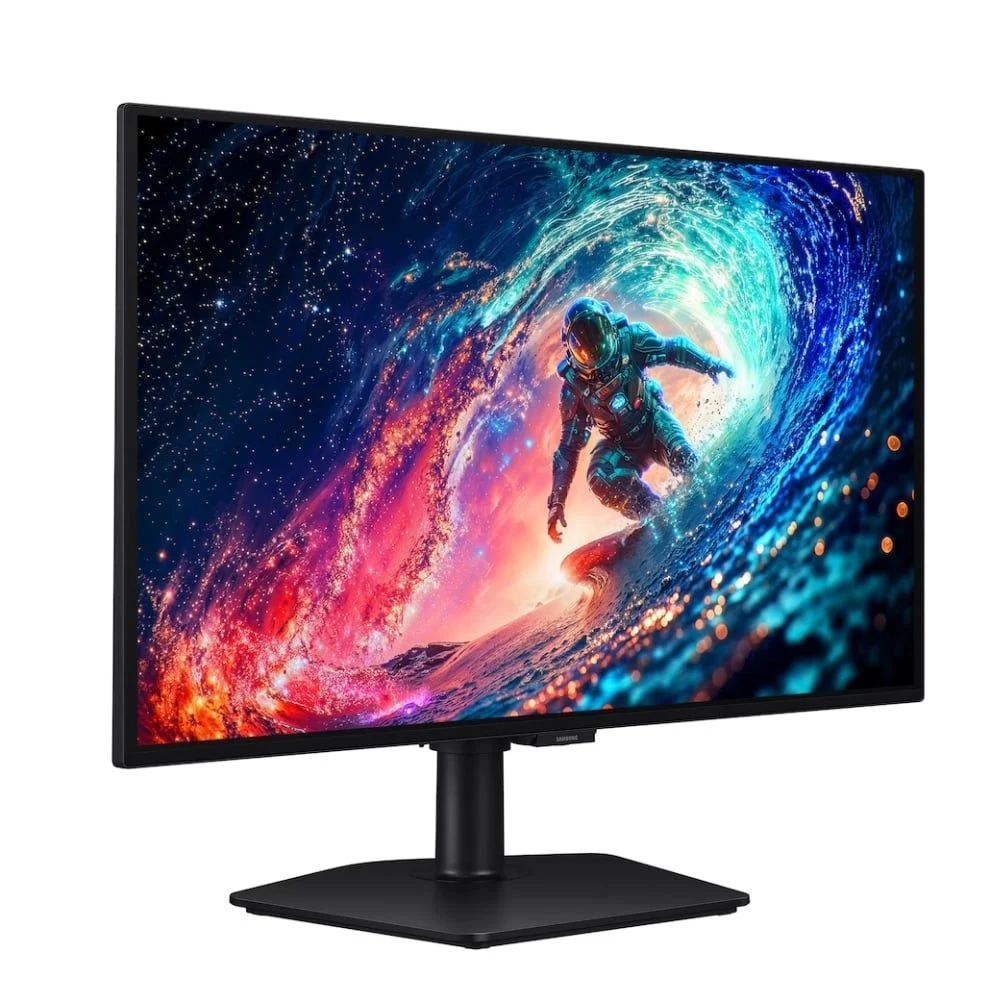
Màn hình Gaming SAMSUNG Odyssey OLED G6 G60SD (27inch/2K/OLED/360Hz/0.03ms)
Khả năng hỗ trợ định dạng tệp phong phú từ MP4, MOV, FLV cho đến các chuẩn cao cấp như AVCHD hay định dạng thực tế ảo (VR) giúp phần mềm trở thành công cụ đa năng cho mọi nhu cầu. Bên cạnh đó, hệ thống phím tắt chuyên sâu như (Alt + Ctrl + [ ) để quản lý lớp đồ họa giúp tăng tốc độ làm việc đáng kể, giúp nhà sáng tạo tiết kiệm hàng giờ thao tác thủ công mỗi ngày.
Yêu cầu hệ thống để vận hành Adobe Premiere Pro
Để phần mềm vận hành trơn tru và không bị giật lag khi render, người dùng cần đảm bảo máy tính đáp ứng các thông số phần cứng cơ bản theo khuyến nghị từ nhà sản xuất Adobe.
Bộ xử lý (CPU): Intel thế hệ thứ 7 hoặc AMD Ryzen 3000 Series trở lên.
Card đồ họa (GPU): Bộ nhớ VRAM tối thiểu 4GB cho dự án HD và 6GB cho các dự án 4K.
Bộ nhớ (RAM): Khuyến nghị 16GB cho HD và 32GB nếu bạn thường xuyên xử lý các video 4K/8K.
Lưu trữ: Sử dụng ổ cứng SSD để cài đặt phần mềm và thiết lập bộ nhớ cache giúp tăng tốc độ truy xuất dữ liệu đáng kể.
Màn hình: Độ phân giải tối thiểu 1920 x 1080.
Hướng dẫn tiếp cận phần mềm Adobe Premiere Pro
Việc tải và cài đặt đúng nguồn là ưu tiên hàng đầu để đảm bảo tính ổn định của hệ thống. Người dùng nên ưu tiên các nguồn chính thống hoặc từ các đối tác uy tín như Vietgear để tránh rủi ro bảo mật.
Link Google Driver: DOWNLOAD
Để tôn trọng quyền sở hữu trí tuệ và đảm bảo phần mềm được cập nhật các bản vá lỗi mới nhất từ Adobe, chúng tôi khuyến khích người dùng mua bản quyền chính hãng. Việc sử dụng phiên bản bản quyền giúp bạn nhận được hỗ trợ trực tiếp từ Adobe Systems và truy cập đầy đủ các dịch vụ đám mây tích hợp.
Quy trình cài đặt Adobe Premiere Pro chi tiết
Quá trình cài đặt Adobe Premiere Pro thực chất khá đơn giản nếu bạn thực hiện đúng theo các bước chuẩn dưới đây. Hãy đảm bảo bạn đã ngắt kết nối internet trước khi tiến hành để tránh các lỗi xung đột phần mềm.
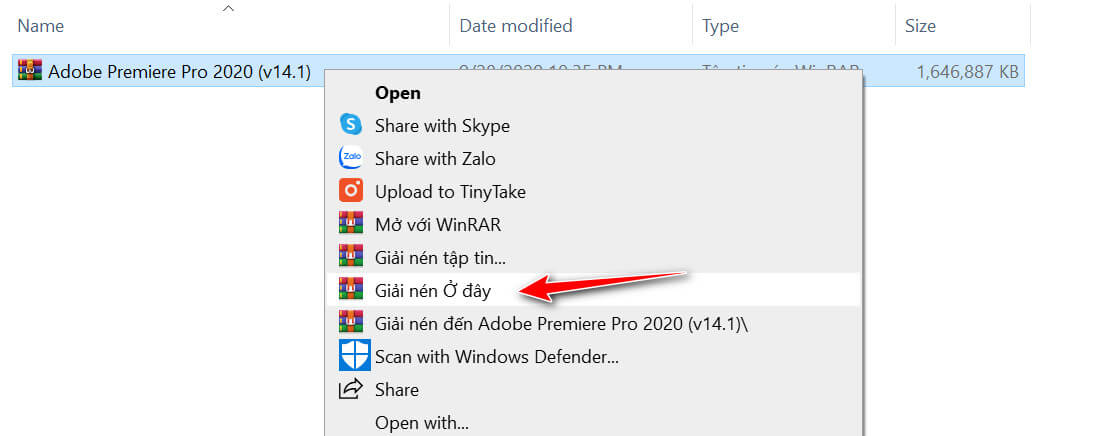
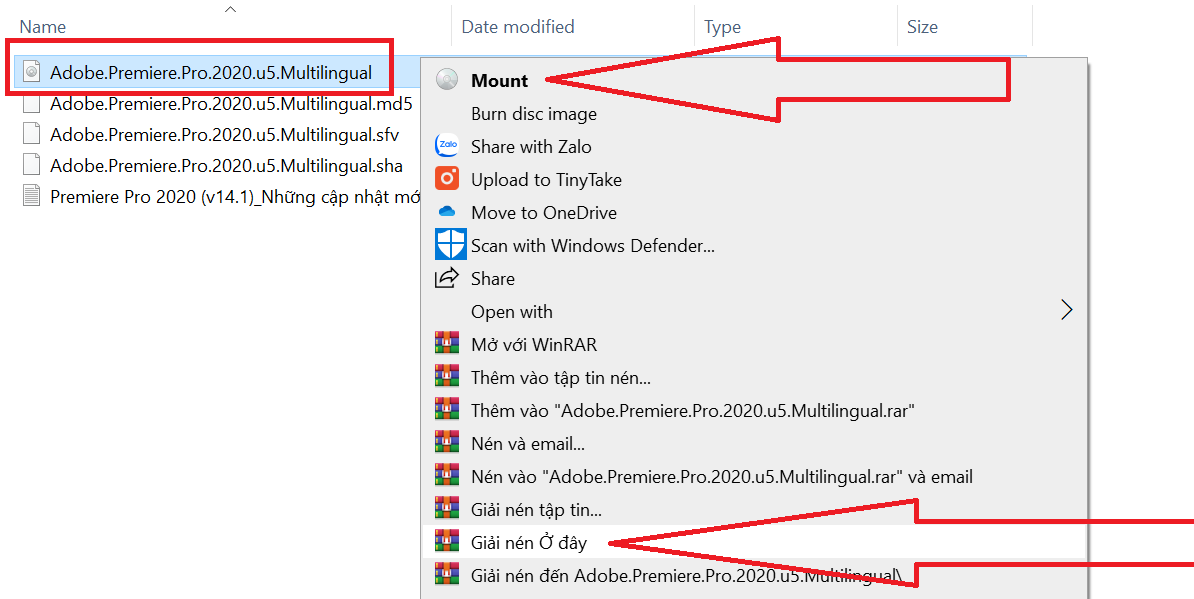
Bước 1: Tải bộ cài đặt về máy và sử dụng phần mềm giải nén như WinRAR để giải nén tệp tin.
Bước 2: Click chuột phải vào file ISO, chọn tính năng “Mount” để tạo ổ đĩa ảo. Đây là cách chuẩn để khởi chạy các bộ cài lớn của Adobe.
Bước 3: Chạy tệp tin “Autoplay” bằng quyền “Run as administrator” để bắt đầu quá trình thiết lập tự động.
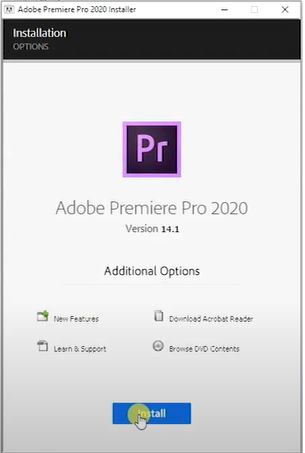
Bước 4: Tại giao diện cài đặt, nhấn chọn “Install” và chờ đợi hệ thống thiết lập các tệp tin cần thiết.
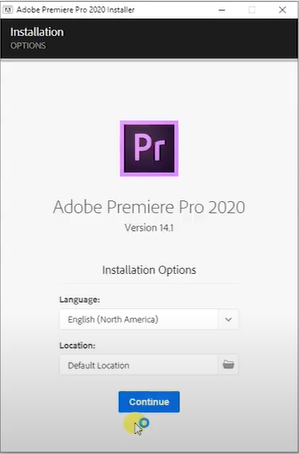
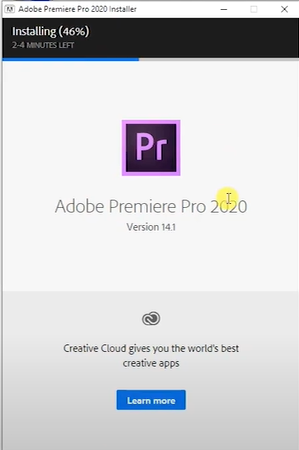
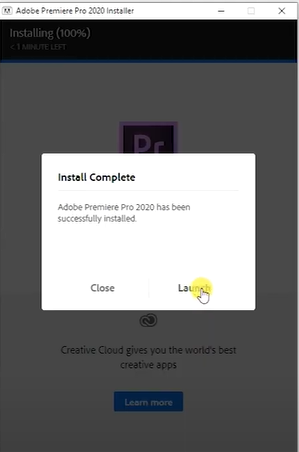
Bước 5: Sau khi thanh tiến trình hoàn tất, chọn “Continue” để kết thúc. Bạn có thể nhấn vào nút “Launch” để mở phần mềm và bắt đầu trải nghiệm ngay lập tức.
Đánh giá về tính an toàn khi sử dụng phần mềm
Việc sử dụng các phiên bản phần mềm không chính thức luôn đi kèm với những rủi ro về bảo mật như malware hoặc virus ẩn. Do đó, việc lựa chọn nguồn tải tin cậy, được kiểm chứng từ các chuyên gia tại Vietgear là giải pháp giúp bạn yên tâm hơn trong quá trình làm việc lâu dài.
Sự ổn định của phần mềm không chỉ nằm ở khâu cài đặt mà còn phụ thuộc vào việc hệ thống của bạn có được cập nhật thường xuyên hay không. Hãy luôn đảm bảo dữ liệu quan trọng được sao lưu thường xuyên và ưu tiên các phiên bản chính hãng để trải nghiệm đầy đủ sức mạnh của Adobe Premiere Pro, một người bạn đồng hành không thể thiếu của các nhà biên tập video chuyên nghiệp.
Vietgear là tác giả và biên tập viên chuyên chia sẻ kiến thức về công nghệ, bàn phím cơ, gaming gear và phụ kiện máy tính. Với phong cách viết dễ hiểu, cập nhật xu hướng mới, Vietgear mang đến nhiều thông tin hữu ích giúp người dùng lựa chọn thiết bị phù hợp và tối ưu trải nghiệm công nghệ.